Thread cardConfessionVoiceoverYour video
Four kinds of post, one schedule.
A thread card, an AI-written confession or voiceover, or a video you made elsewhere.
Hiip Content Platform turns a brief, a script or your own clip into vertical video — and publishes it to TikTok, Facebook, Instagram, Threads, YouTube and Shopee Video at the minute you set.
Access is granted per team, for the creators and brands Hiip works with.
Publishes to the accounts you connect on
 ThreadsComing soonComing soon
From the first idea to the link of the live post, on one schedule per channel.
A thread card, an AI-written confession or voiceover, or a video you made elsewhere.
Watch every post move from Scheduled to Published.
Upload an .mp4 or paste a Google Drive link — it is collected half an hour before it posts.
One row per post in the template or a Sheet, and every row becomes a job.
Open any video in the studio to cut clips, lay a voiceover and music on their own tracks, and watch it in the 9:16 it will be posted in — then render it in the cloud.

Clips, photos and stock
Your uploads, plus Pexels photos and video, in the media panel.
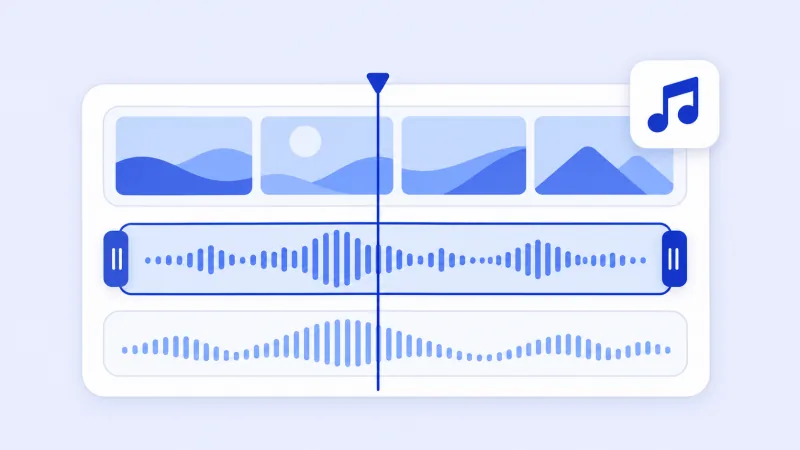
Sound on its own track
A voiceover, a song from the library or your own music, trimmed to fit.
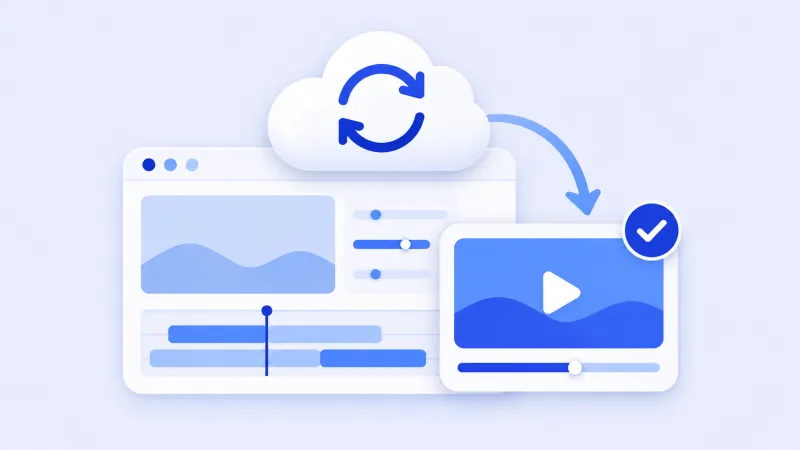
Rendered in the cloud
Press Render and keep working; the finished MP4 lands back in the studio.
One channel per brand or creator. Its accounts, its knowledge and its schedule live together.
Sign in to TikTok, a Facebook Page, Instagram, Threads, a YouTube channel or a Shopee shop once. A channel can hold several.
Write a thread card, let AI draft a confession or a voiceover, upload a finished video — or import a whole month from a CSV or a Google Sheet.
Each post gets a time and the accounts it goes to. The schedule makes the video and publishes it then.
What happens to a TikTok account you connect, from start to finish.
Hiip Content Platform is built and operated by Hiip, an influencer marketing and e-commerce technology company working with brands and creators across six Southeast Asian markets — Singapore, Malaysia, Vietnam, Thailand, Indonesia and the Philippines.
Running those campaigns is where this workspace comes from. The same teams need short-form video drafted, reviewed and then published to the account it was made for, without the detour through chat threads and shared drives. Hiip Content Platform is that workflow, offered to the creators and brand teams Hiip works with.

Hiip
10 Marina Boulevard #08-01,
MBFC Tower 2, Singapore 018983
Sign in with your Hiip Google account, or write to us to get your team set up.